


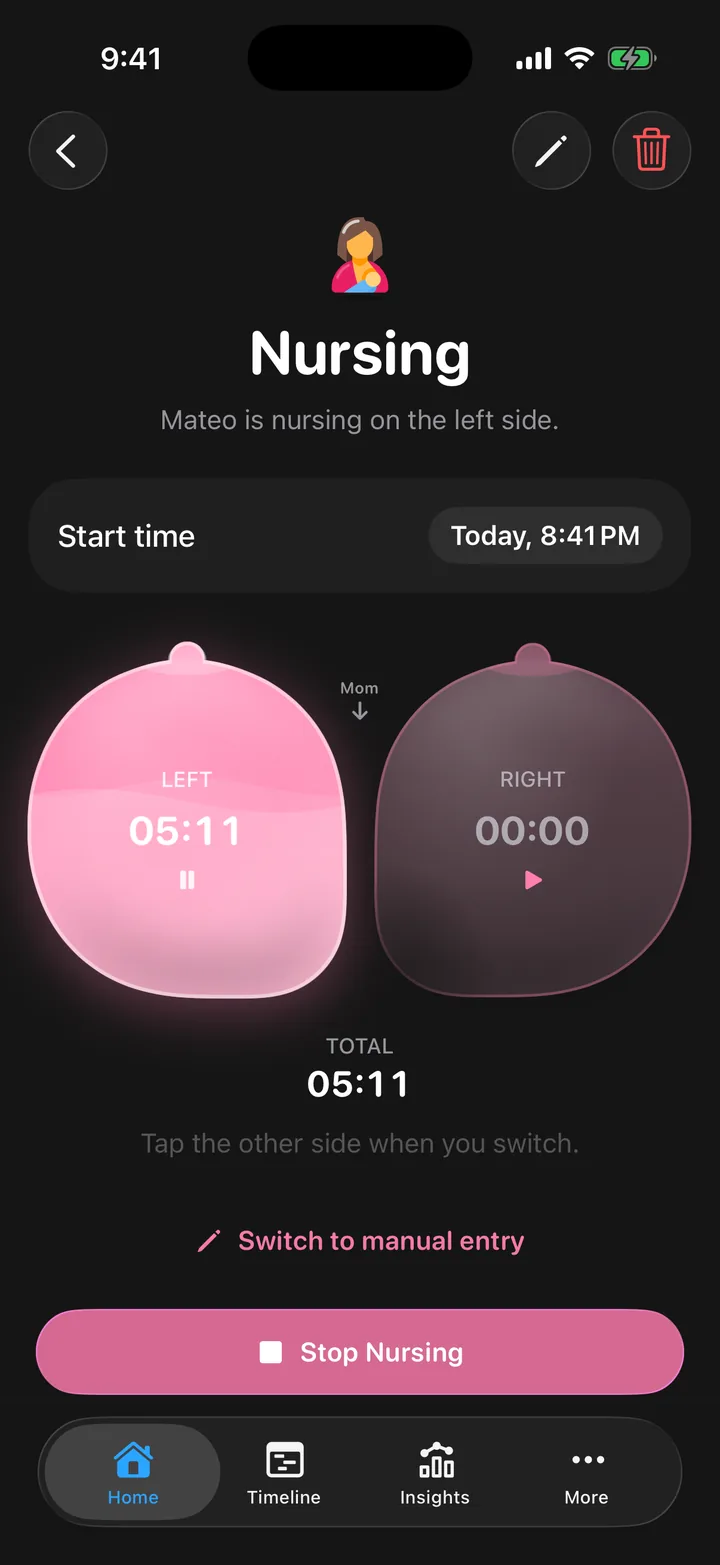
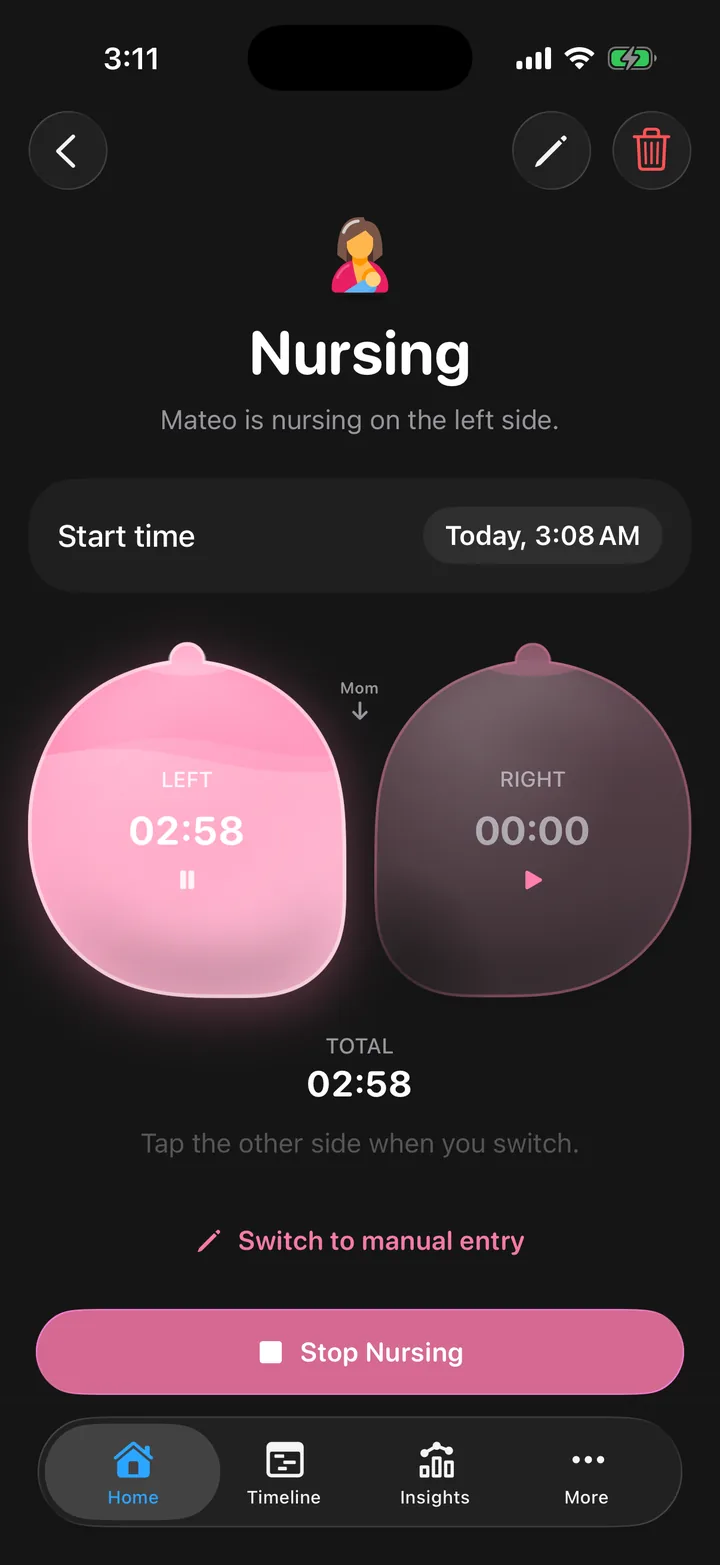
Never wonder which side was last.
Each side keeps its own clock, and Cami marks where you ended for the next feed.
 CamiScan with your iPhoneFree on the App Store
Log feeds, sleep and diapers in a few taps. Everyone who cares for your baby sees it the moment it's saved.
Scan with your iPhoneFree on the App StoreFree for iPhone No ads. No tracking.


Morning

Afternoon
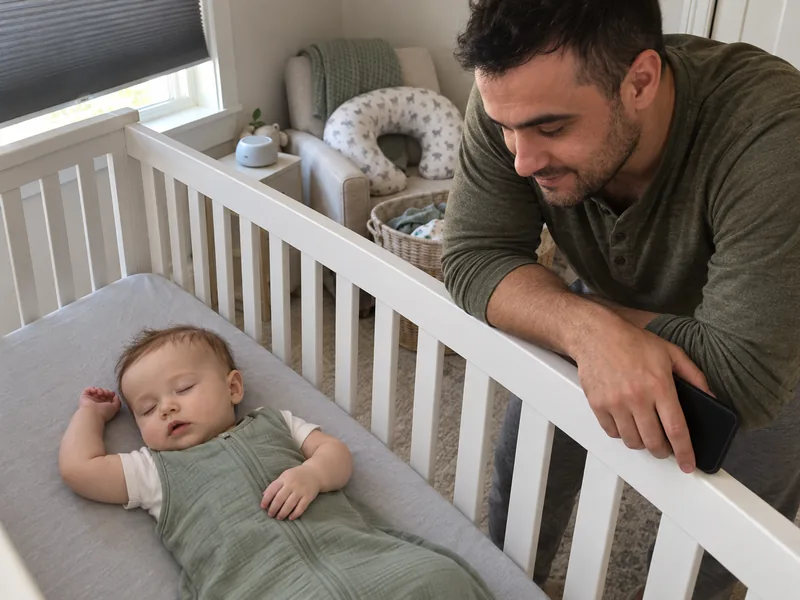
Evening
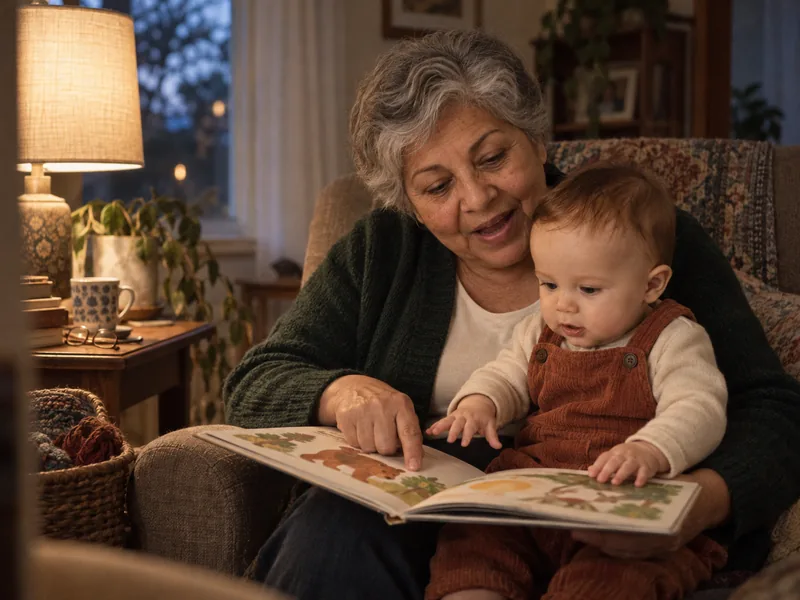
Night

Start a feed with one hand and the lights off. The timer keeps counting on your Lock Screen, so you know which side and how long, even half asleep.
Each side keeps its own clock, and Cami marks where you ended for the next feed.
The timer counts on your Lock Screen, and widgets keep the last side and the time since each feed and change.
A Lock Screen at 3:38 AM. Beside the date: Mateo awake for 18 minutes. Cami’s widgets under the clock: 8 minutes since the feed began, last nursed on the left, 6 hours 48 minutes since the last diaper. Below them, Cami’s Live Activity: Mateo, nursing on the left side, 8 minutes and counting.
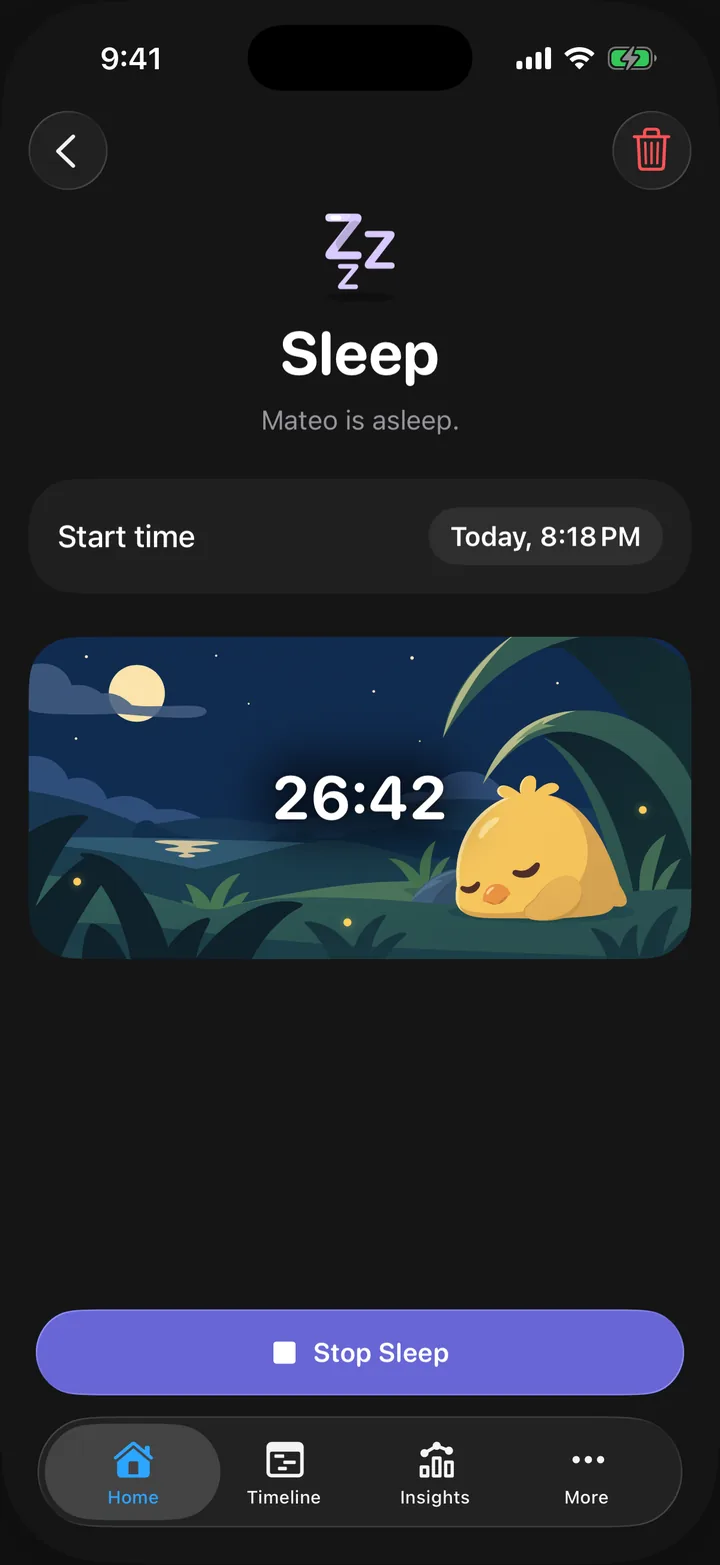
“Start sleep for Mateo in Cami” starts the timer. No app to open, no lamp to switch on.
Also try
An iPhone Home Screen at 4:10 AM with Siri’s light around the edge. Siri hears “Start sleep for Mateo in Cami” and answers “Started a sleep timer for Mateo.” Under it, Cami’s card: the Sleep timer running since 4:10 AM, buttons to move its start 5, 10, 15 or 30 minutes earlier, then Stop and Undo.
Cami turns dark while a sleep timer runs, and back when it stops.
Awake time, last feed and last change, right on your Home Screen.
A Home Screen with Cami’s Baby Now widgets: Mateo awake 18 minutes, feeding for 8 minutes, last changed 6 hours 48 minutes ago.

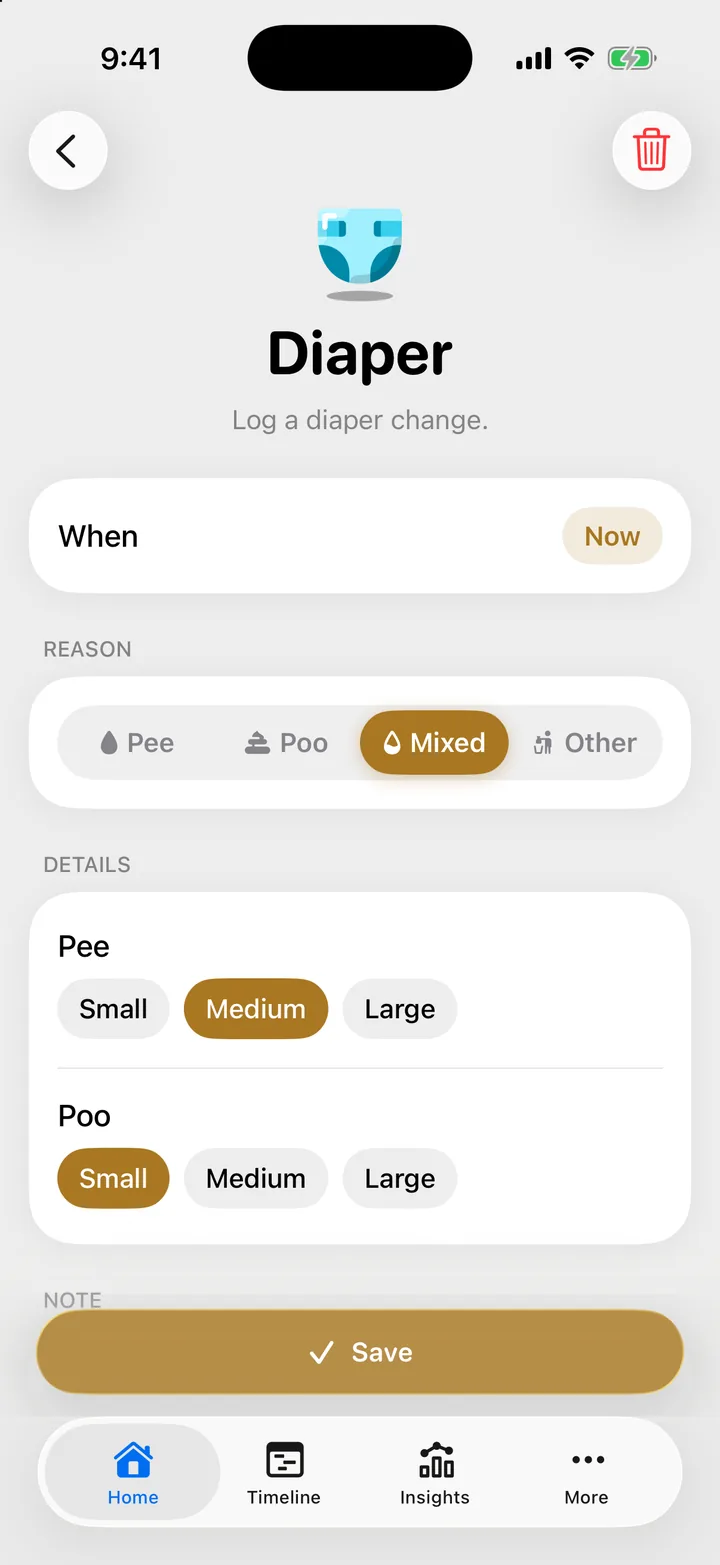
Kinds you can log: sleep, nursing, bottle, pumping, diaper (pee, poo, mixed or other), solids, growth, temperature, medicine and vaccines.
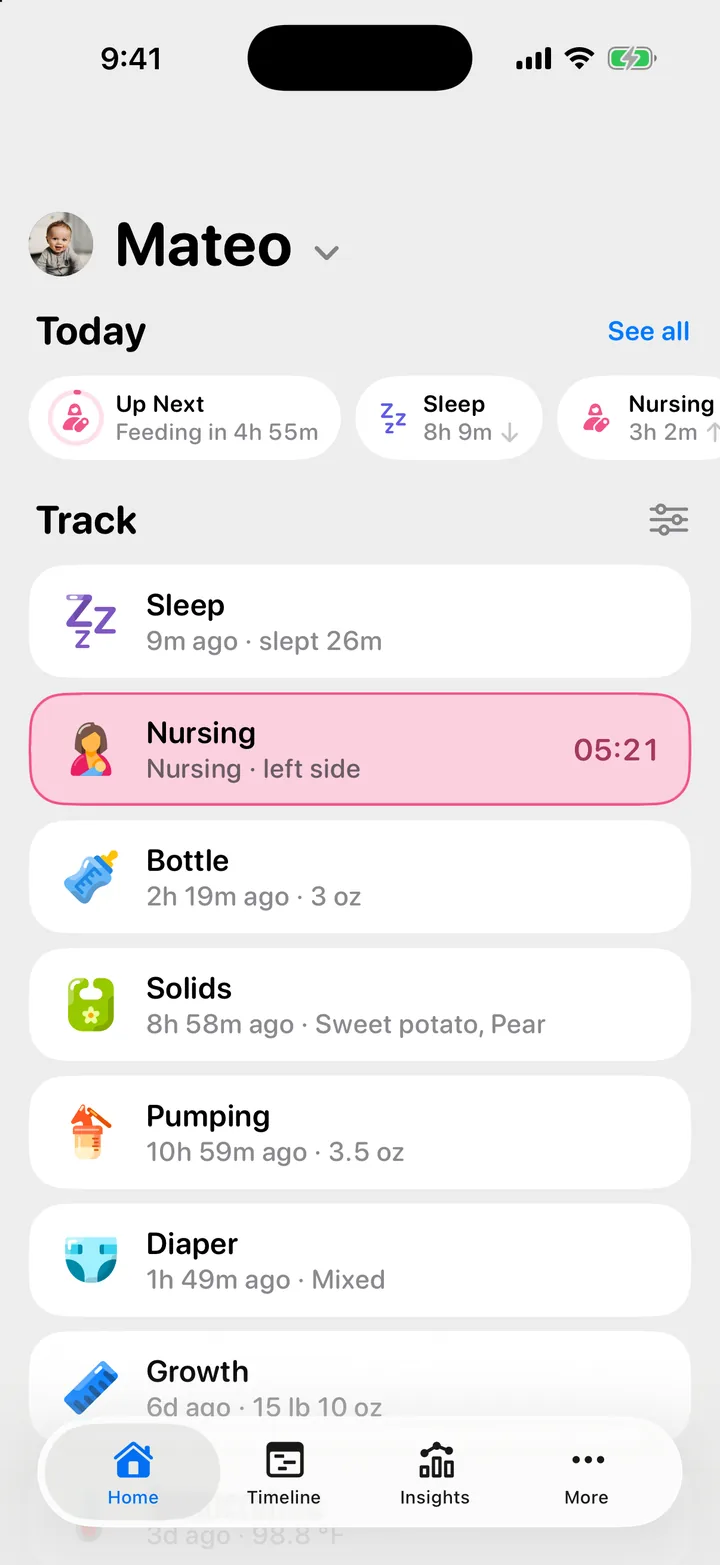
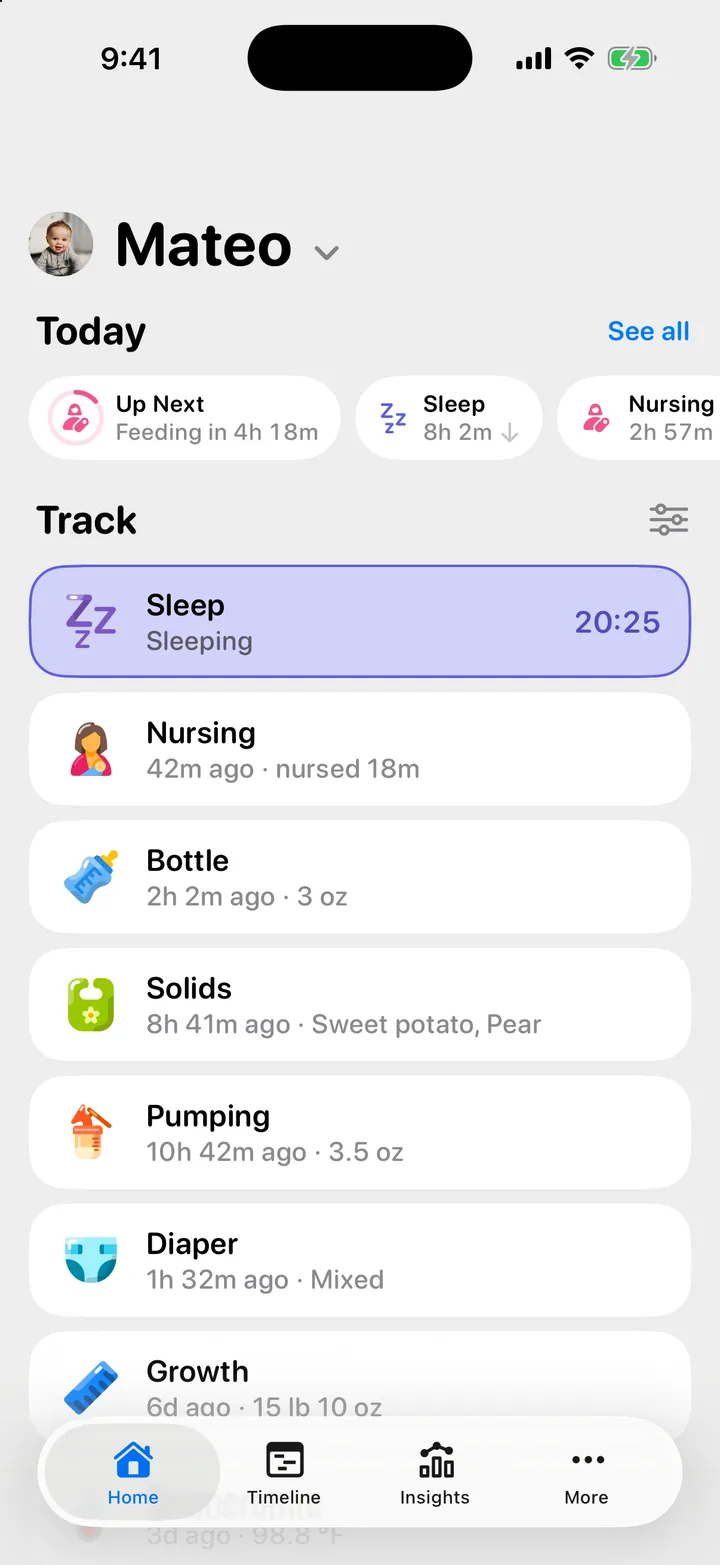
Feeds, sleep, diapers, solids, growth and health, logged in a few taps. Cami remembers, so you don't have to.
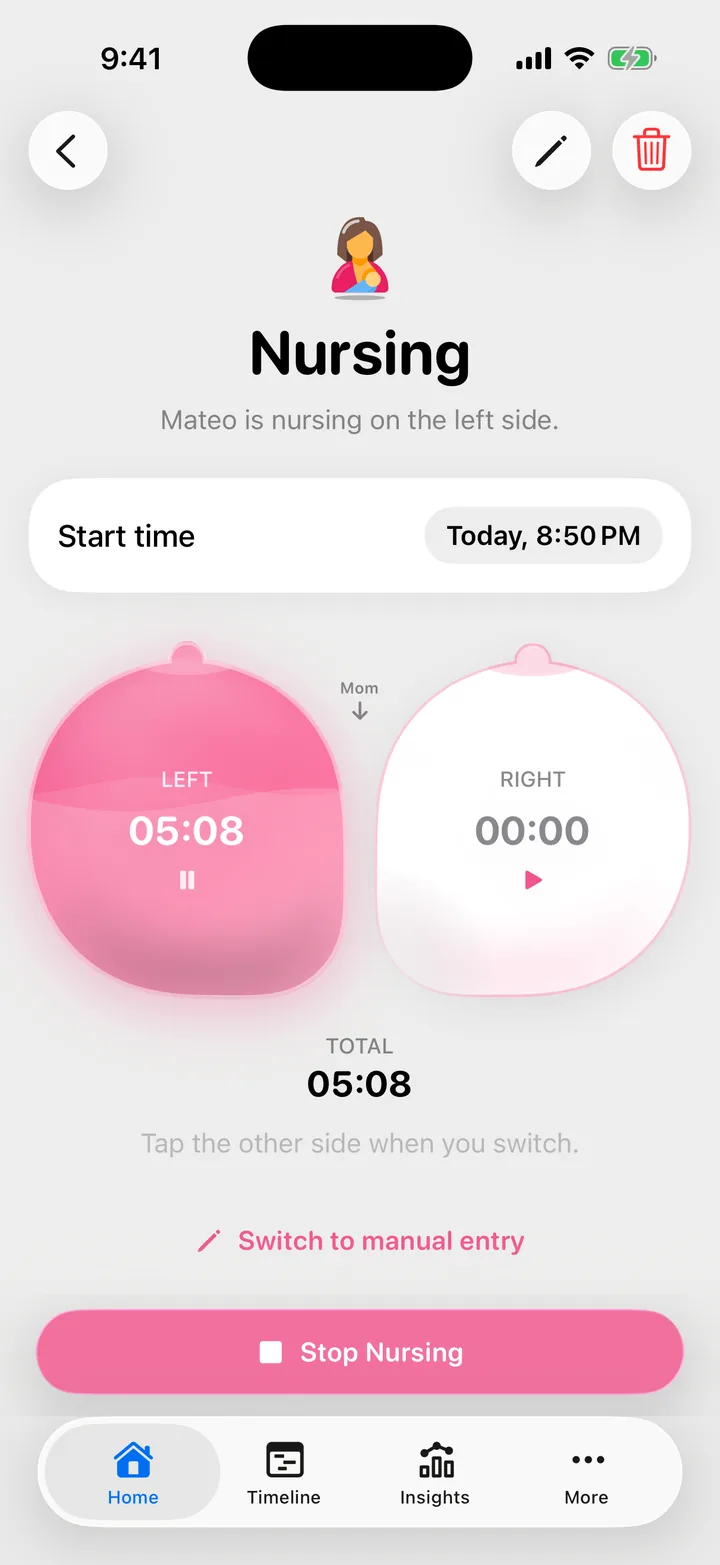
A timer for each side, and the last one marked for next time.
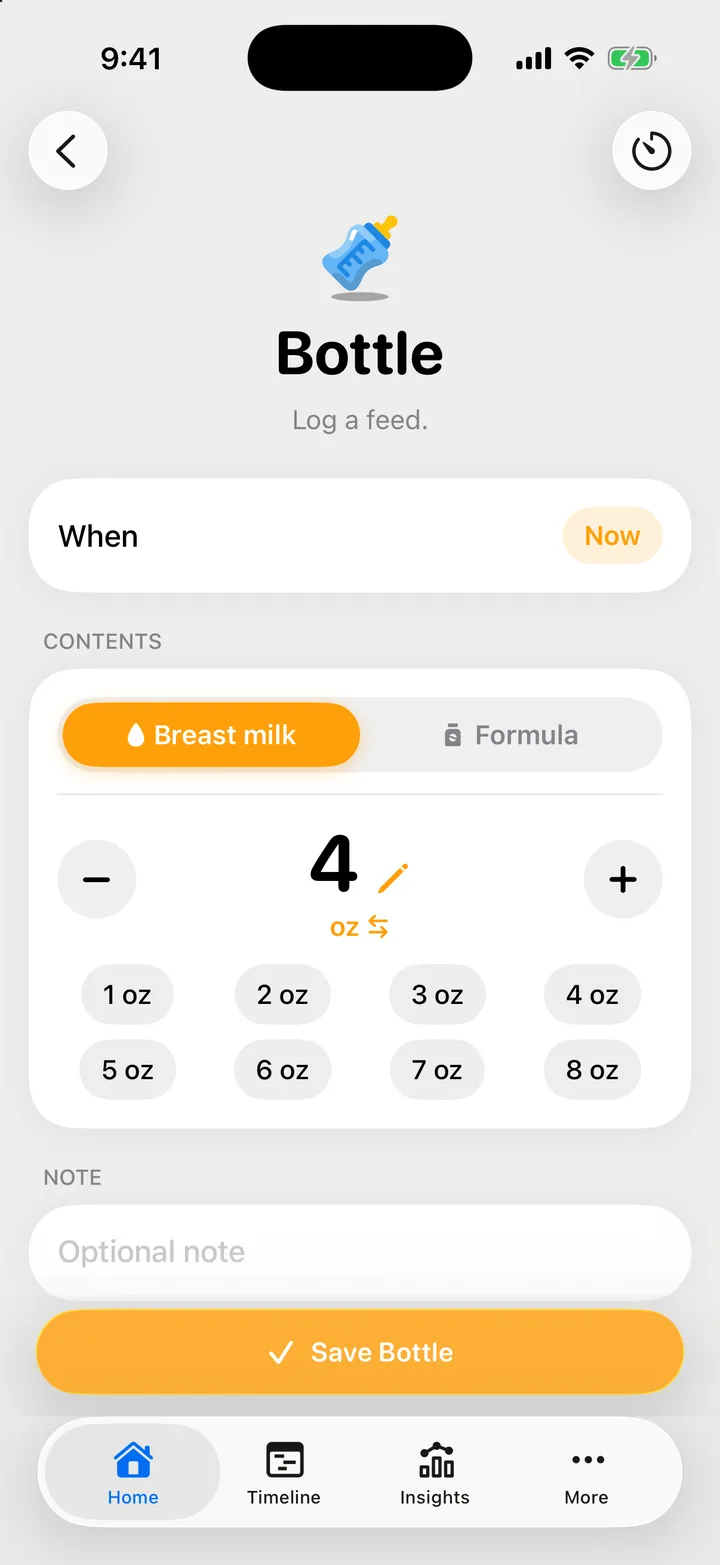
Breast milk or formula, in ounces or millilitres.
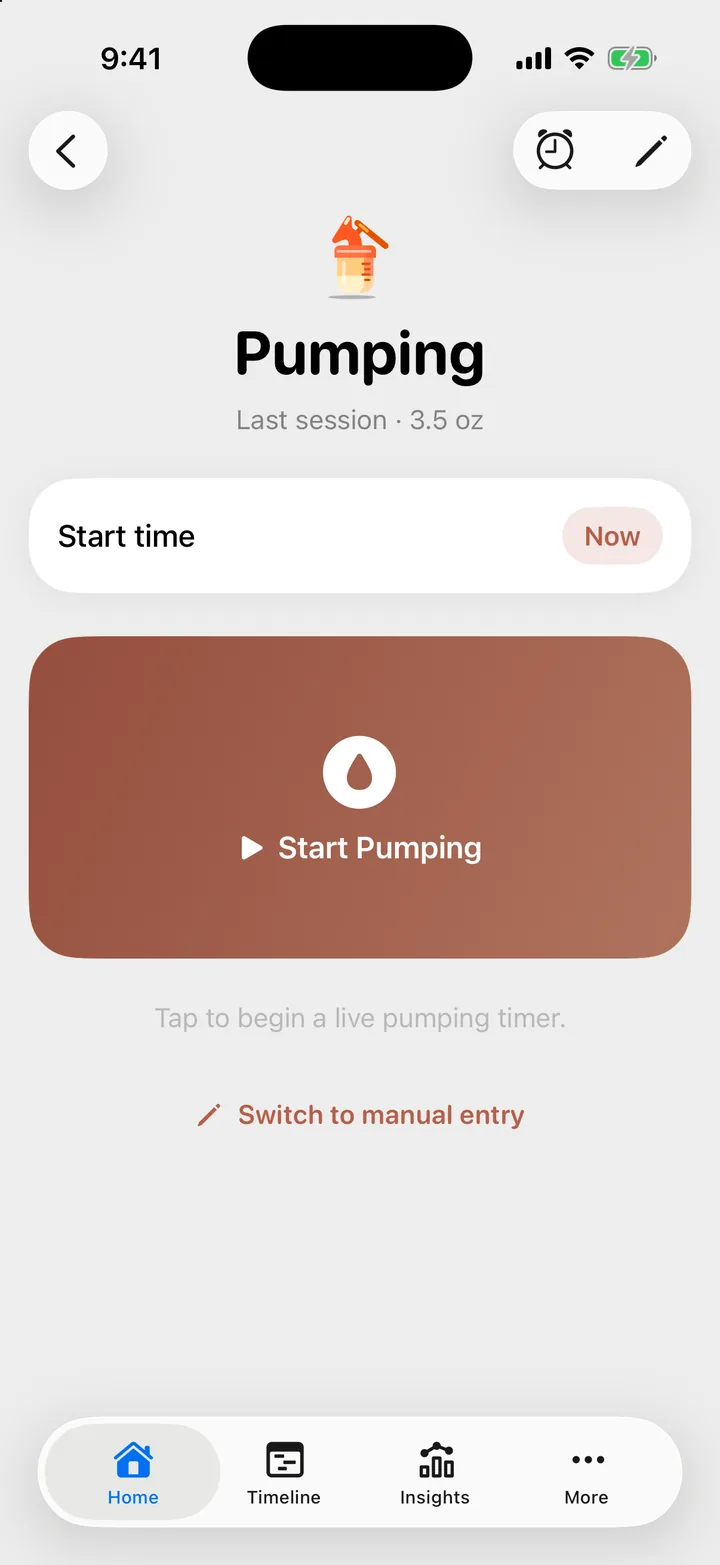
A live timer, or type in how much you pumped.
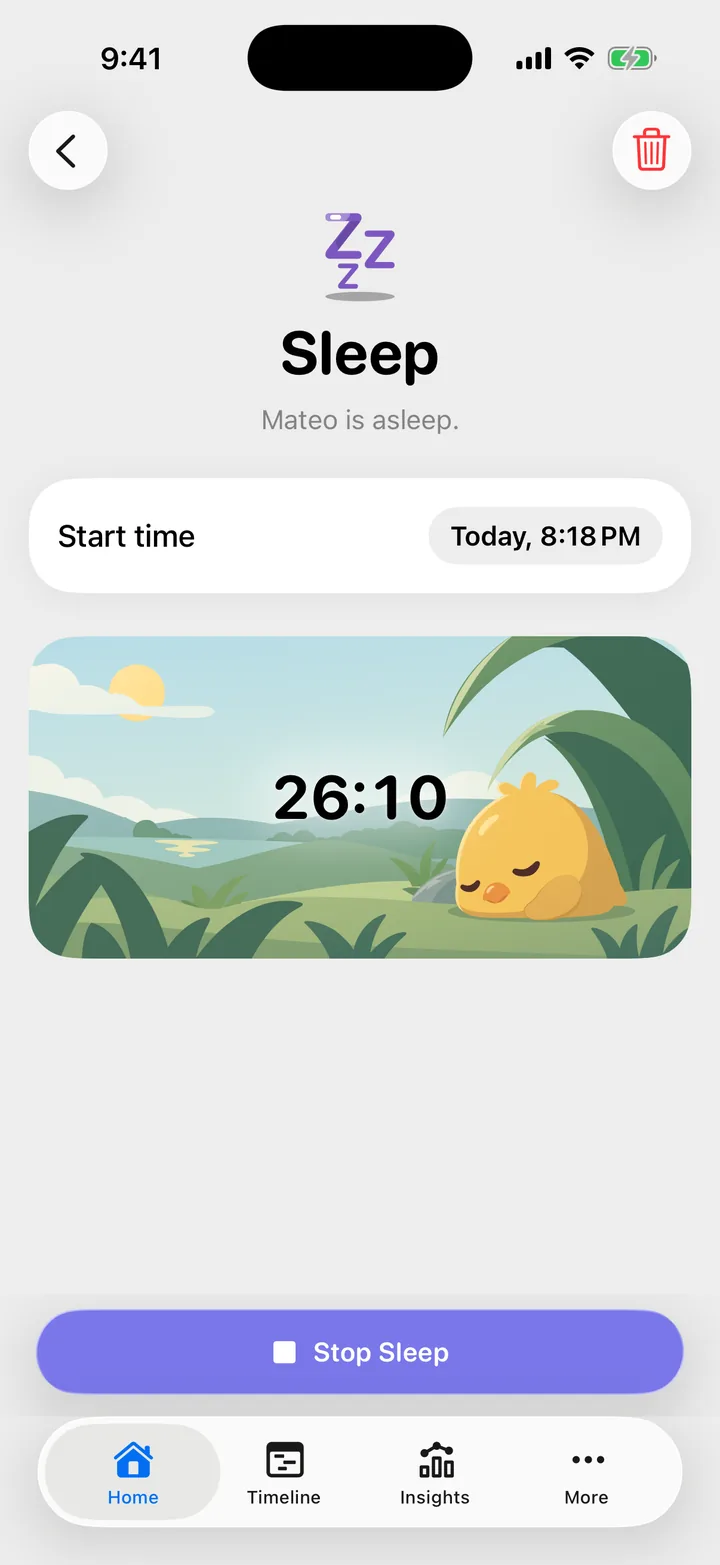
Start it when they drift off. The timer keeps count until they wake.
Pee, poo or mixed, with a size only when it matters.
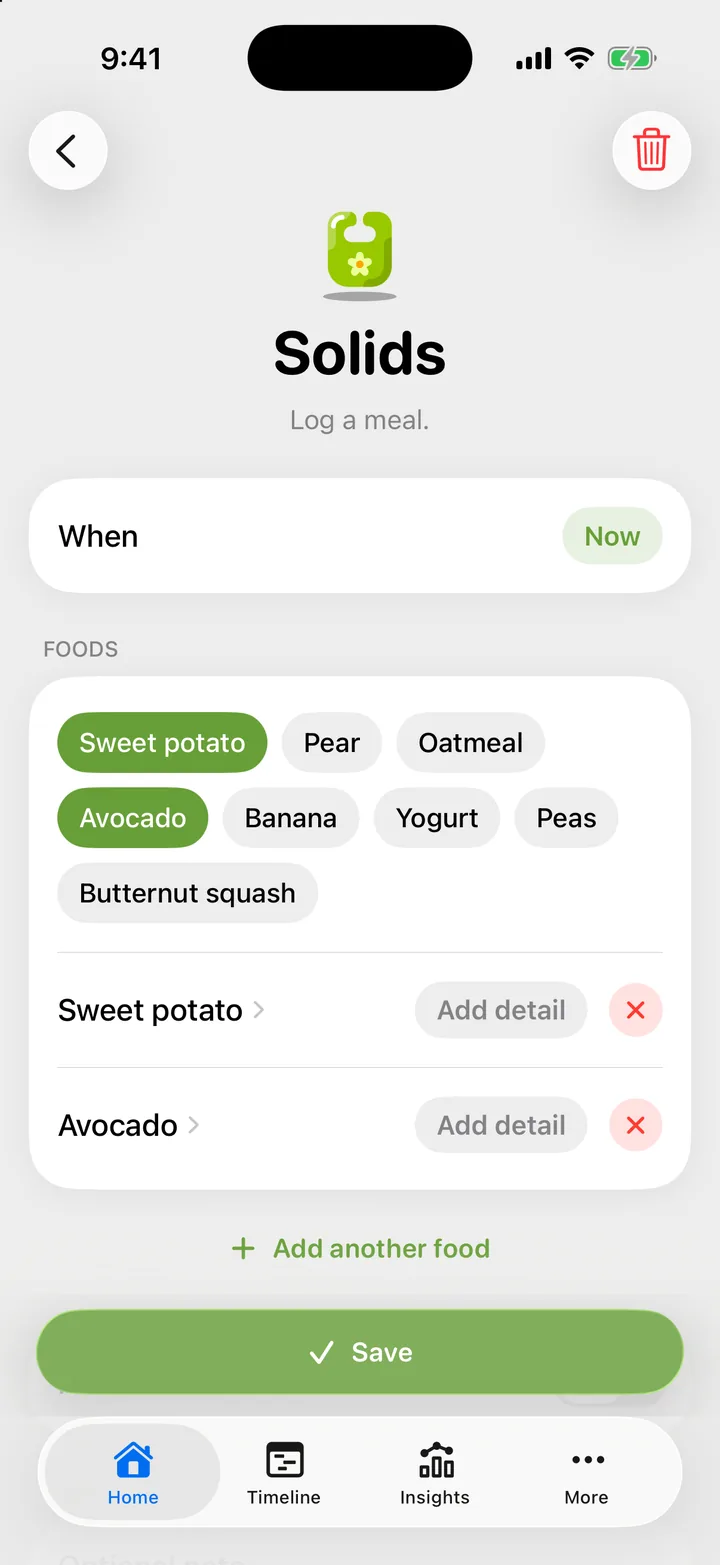
More than 300 foods, with the recent ones first.
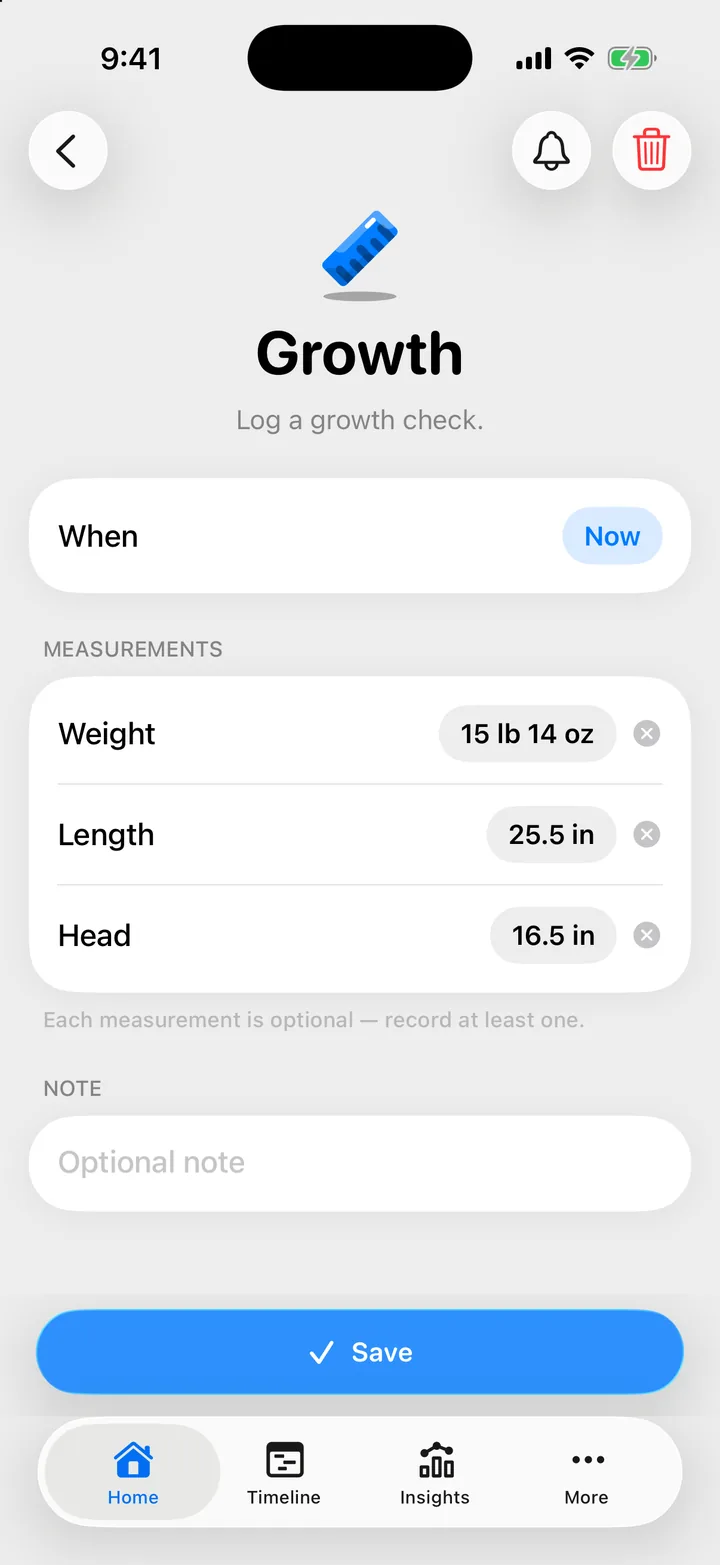
Weight, length and head. Log one, or all three.
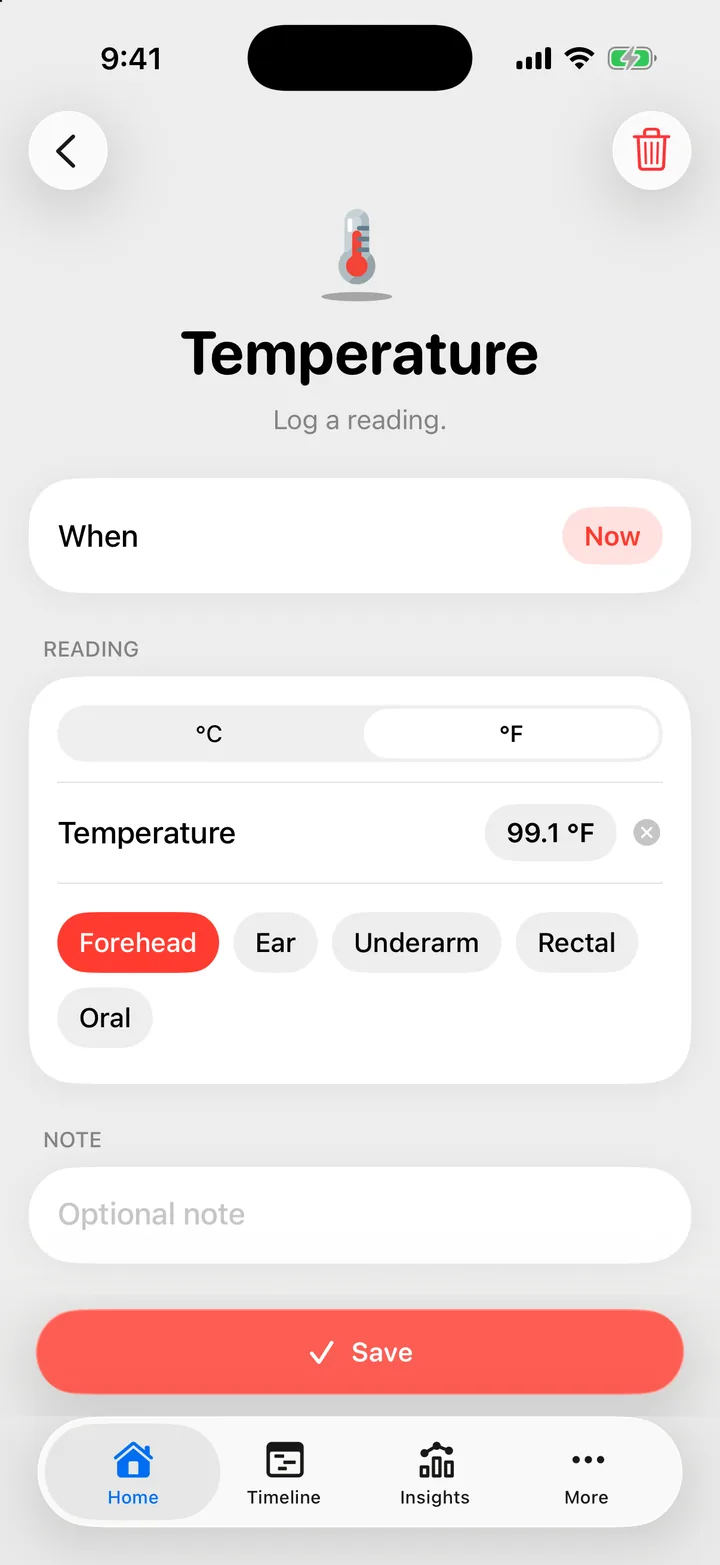
In °F or °C, and where you took it.
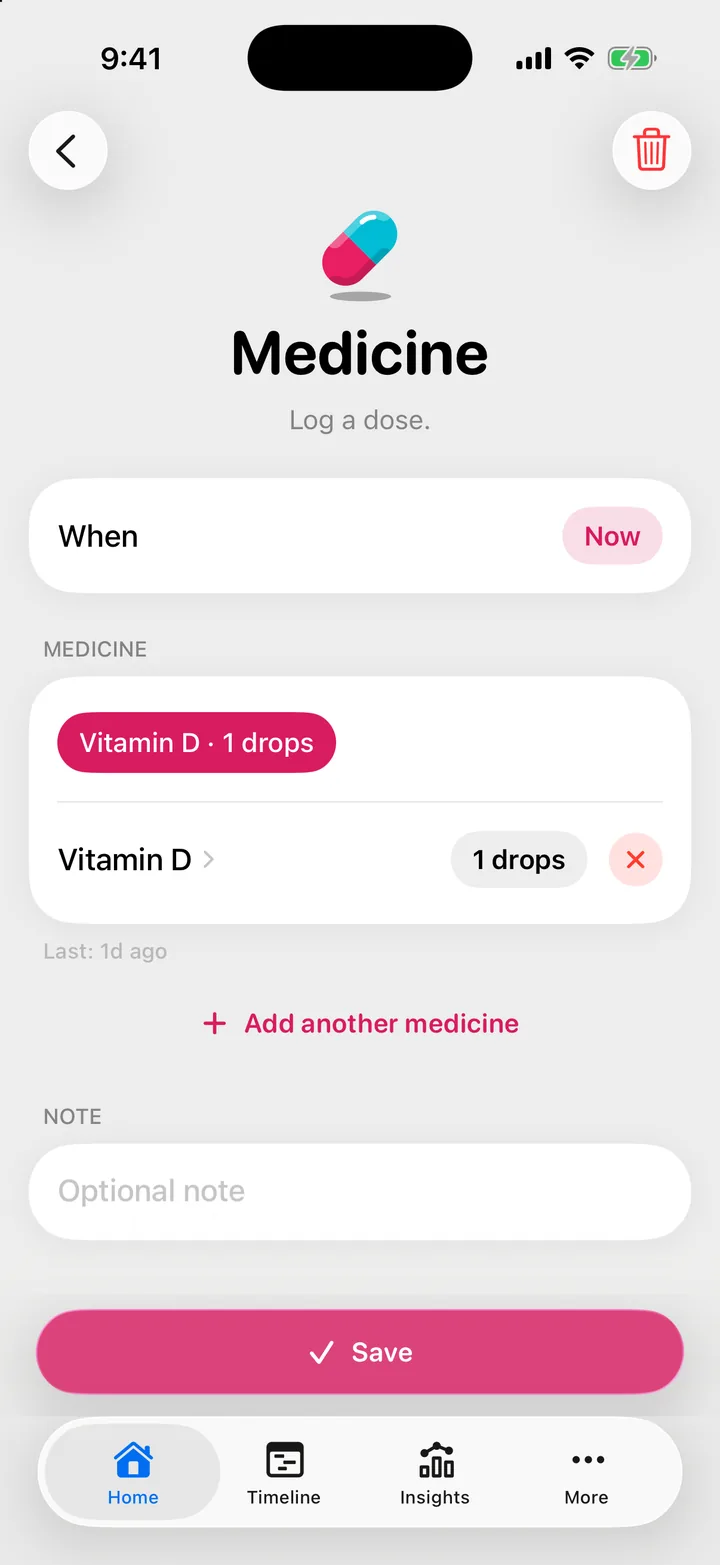
The name and the dose. Recent ones wait as chips.
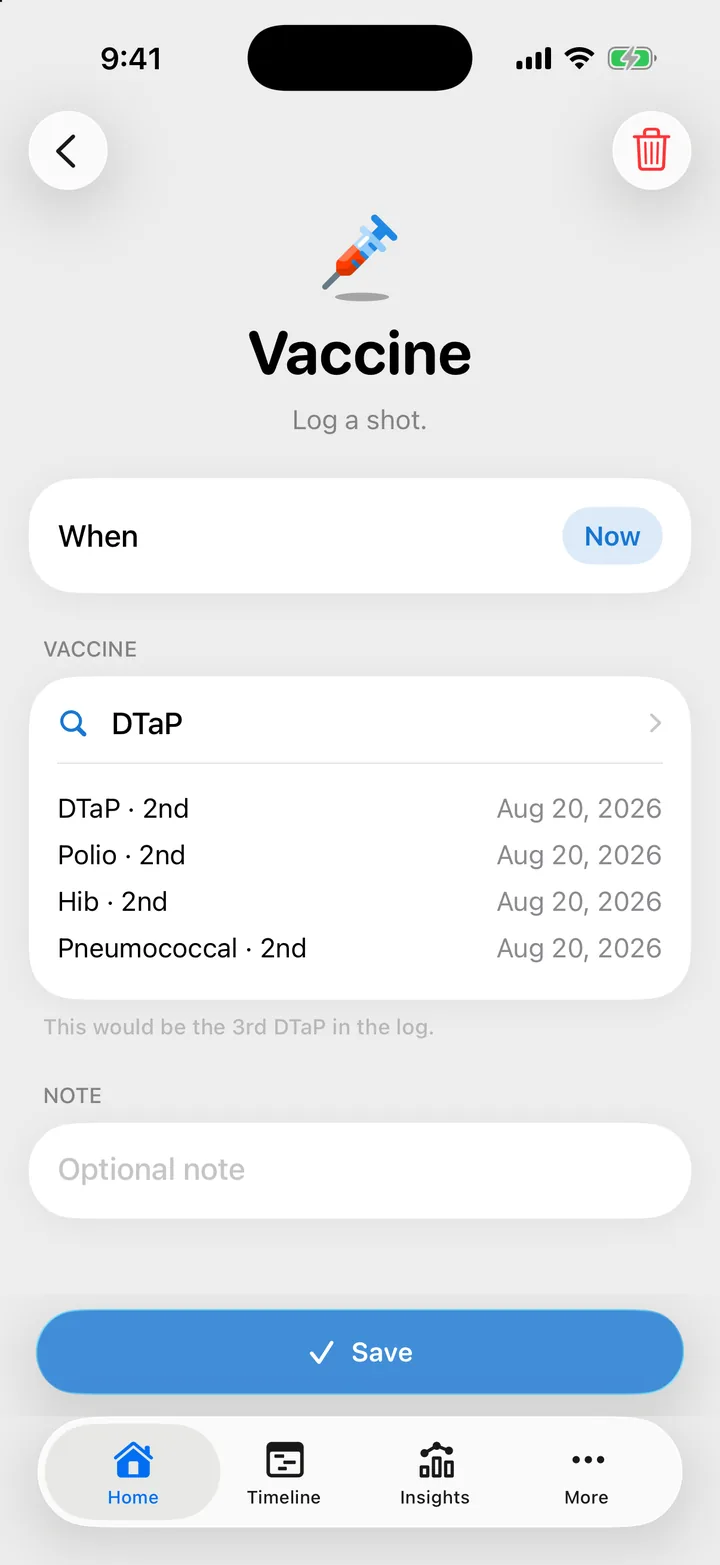
Pick the shot, and Cami counts which dose it is.
Whoever is on duty, everyone sees the same log the moment it's saved. Handing over takes no briefing.
Know what's happening, even off duty. When Daniel starts a nap, it counts on Sofia's Lock Screen too. Only want your own? There's a setting for that.
Sofia's Lock Screen at 9:41, with Daniel's nap running: “Mateo · Sleeping since 9:23 AM”.
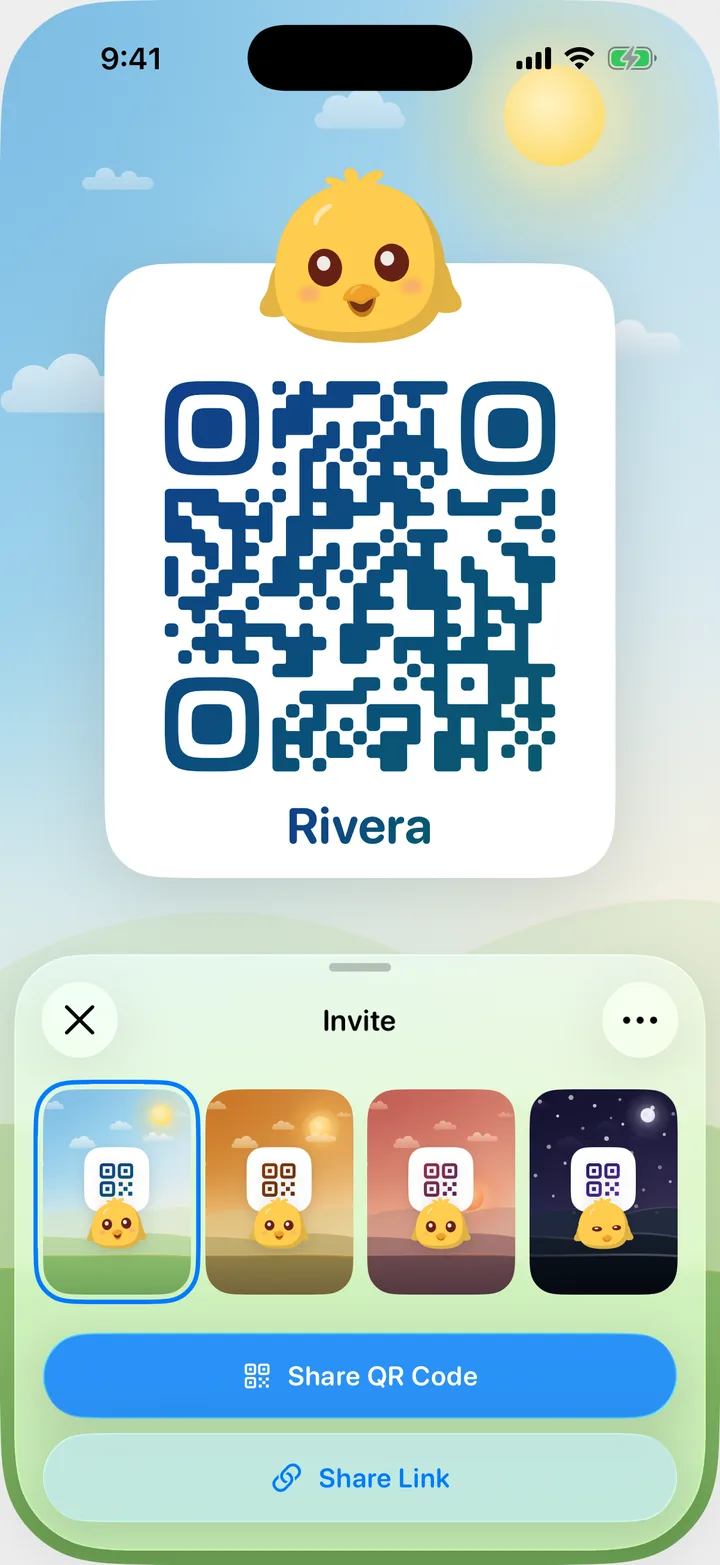
Let grandparents and nannies help. Invite by link or QR code, and each person picks a role.
Never log the same diaper twice. A quiet note says who saved what, the moment they save it.
Notes as they arrive: “Daniel logged a diaper”, “Sofia started sleep”, “Sofia finished nursing”, “Daniel logged a bottle”, “Sofia logged solids”, “Sofia finished pumping”.
Twins, triplets or a little brother later on: every child gets their own day, totals and timers, and the other one is a pull away.
Cami's Home screen for Mateo. A finger pulls the page down from the top; a round switch mark fills over Mateo's photo, and on release the screen turns to Lucía, with her own Today totals and Track rows: Lucía is nursing on the right side while Mateo sleeps.

Each child, their own day.Feeds, sleep, diapers and today's totals stay with the child they belong to.
Pull down to switch.Pull at the top of Home to open the child you had open last, or cycle through three or more.

A Live Activity for each.Two timers at once? Each child gets their own card on the Lock Screen.
Two Live Activities on the Lock Screen: “Mateo · Sleeping since 9:23 AM”, and “Lucía · Nursing · Right side”.
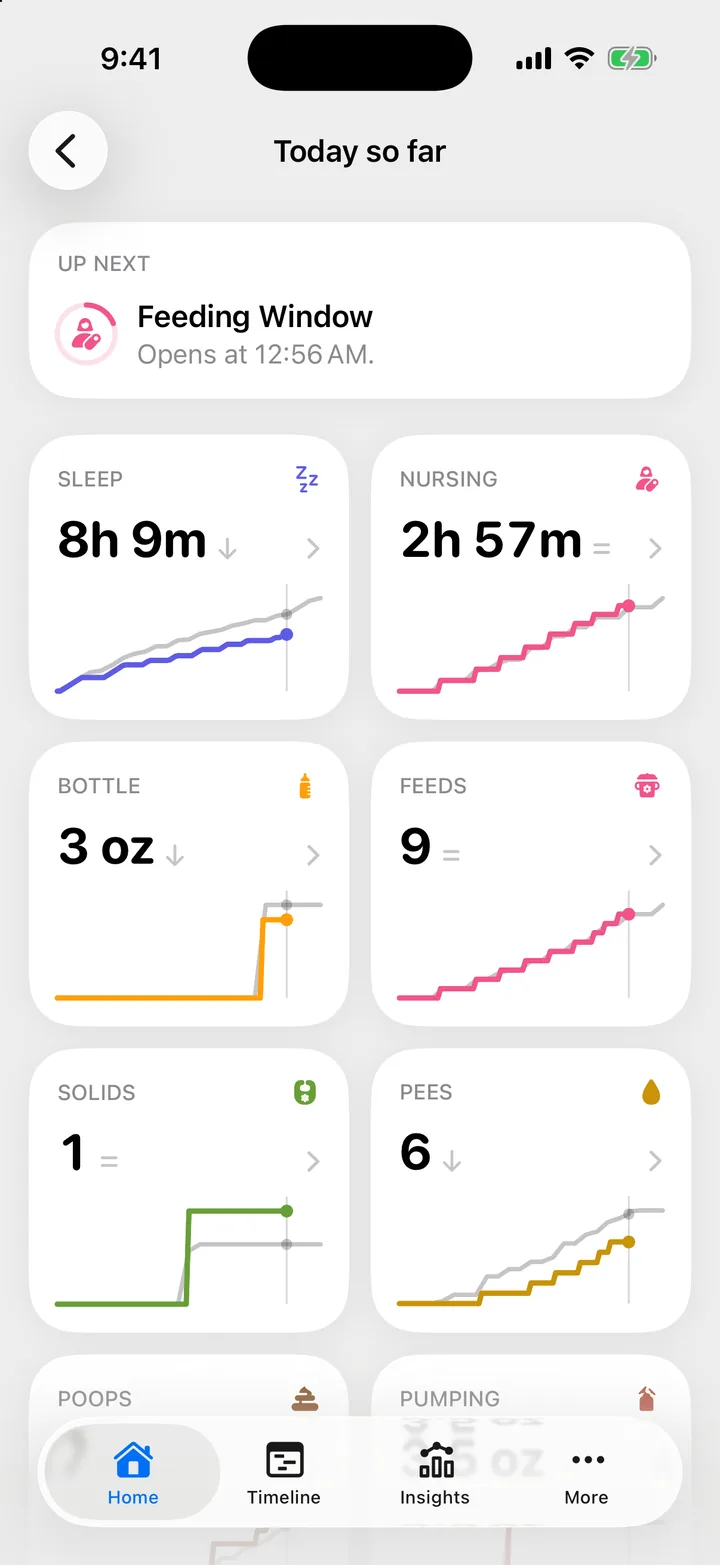
No charts to decode and no norms to measure against. Just today beside your baby's own ordinary day, so patterns show up on their own.
Short on sleep today? See it at a glance. Each tile draws today's line over Mateo's usual one, his own average by this time of day.
Sleep today: 4h 23m. Usual by this time: 6h 36m. 2h 13m less than usual by now · 34%.
Spot the rhythm in a week. Pin the numbers you care about and read them over a week, a month, or since birth.
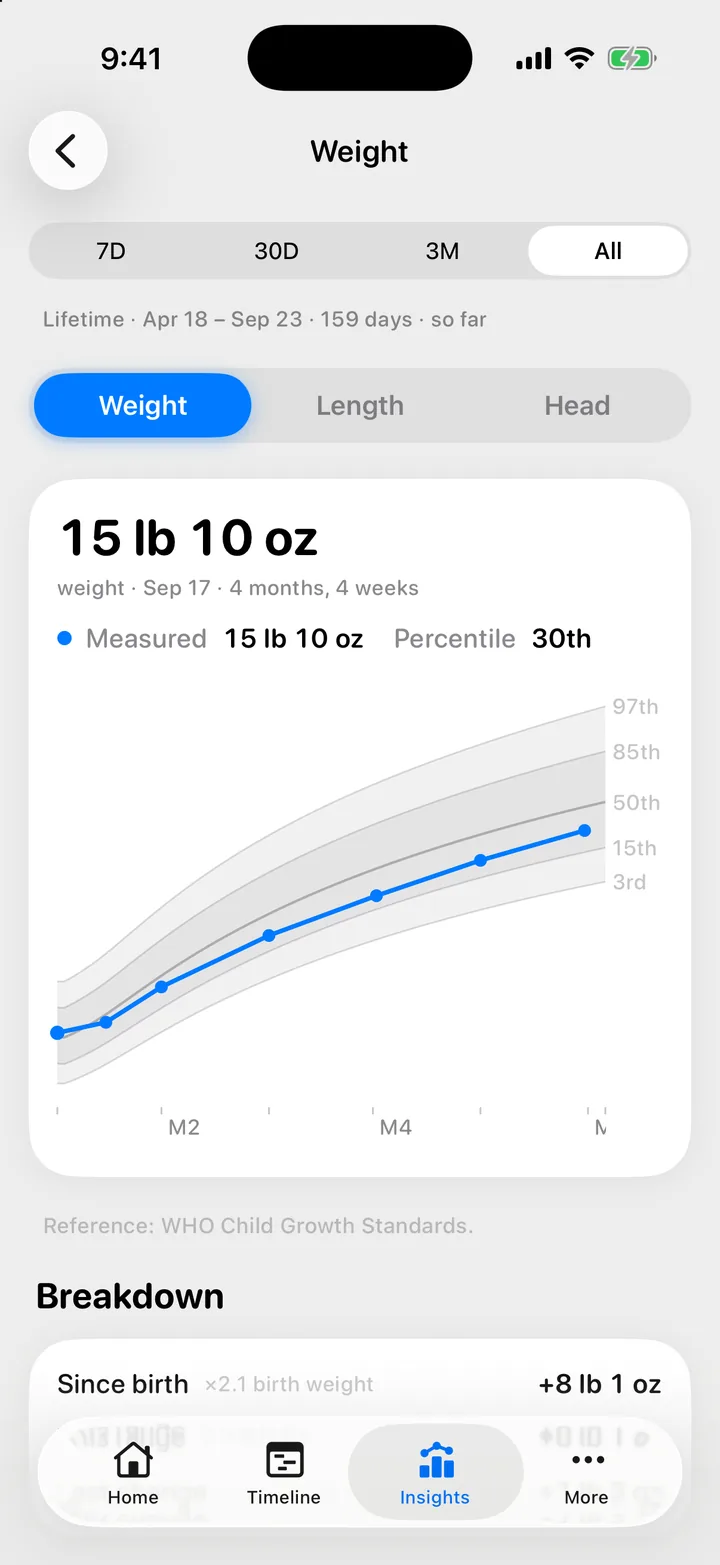
Last 7 days: diapers 11 a day, wake windows 1h 9m on average, 2h 24m between feeds on average. Weight 15 lb 10 oz on Sep 17, 30th percentile.
See the whole week at once. Seven days side by side, on one clock.
A week chart of Mateo's days from September 17 to 23: long night sleeps at the top and bottom of each column, naps and feeds through the day.
Have the answer when the pediatrician asks. Every feed, nap and change, laid out hour by hour.
Mateo's Timeline this morning: a night of sleep, three feeds, diapers, and a nap that started a few minutes ago.
Watch them grow. Weight, length and head from birth, on percentile bands.
Import every feed, nap, diaper and pump from Huckleberry or Nara Baby. Nothing changes in the other app, so no awkward goodbyes. And Cami's own log exports to CSV, a fresh copy each day.
Scan with your iPhoneFree on the App StoreCami keeps what you log to show it to you and the people you invite. Nothing else.
Cami's App Store privacy label lists one section, Data Linked to You: Health & Fitness, Contact Info, User Content, Identifiers, Sensitive Info, Diagnostics.

No ads.Not even for diapers. Nothing about you is profiled to sell to.

No tracking software.No ad networks, no third-party analytics, no advertising ID.

No data sales.Your family's log is never sold, rented or handed to data brokers.
Coming soon
Not available yet. Soon a family can choose to lock each entry on its own phones. Our server keeps it but can't read it.
Daniel's phone
 Cami's server
Sofia's phone

Locked: each entry's times, details and notes. Our server still sees its kind, who logged it and when it was saved. Keys stay on your family's devices, synced by iCloud Keychain.

Say “Start nursing in Cami”, or add it to the Action button.
The whole app, Siri phrases included, in English or Latin American Spanish.
No signal in the nursery? Log anyway. It syncs when you’re back online.

A full dark palette. Follow your iPhone, or pick Light or Dark.
Most of them asked at 3 a.m.
Anything else? Write to hello@camibaby.com. A person reads it, and a person answers.
Nursing with a timer for each side, bottles in ml or oz, pumping, solids, naps and night sleep, diapers, growth, temperature, medicine and vaccines. Each day comes together on a timeline, with totals and patterns for feeds and sleep.
Yes. Invite your partner, a grandparent or a nanny with a link, a code or a QR code. Everyone sees the same log on their own iPhone, and new entries appear as they are saved. You can track more than one child, each with their own history.
Yes. Keep logging with no signal. Entries stay on your phone and sync with your family when you reconnect.
Cami is free on the App Store for iPhone with iOS 26 or later, in the US and Mexico. Founding Families keep every Cami feature free, forever.
Yes. Cami imports the CSV export from Huckleberry and Nara Baby, during setup or any time later. Sleep, feeds, diapers and pumping come across, nothing in the other app changes, and importing the same file again updates entries instead of doubling them.
Yes. Export a child's whole log as a CSV file from their profile, under Manage Data, to keep a copy or take it elsewhere. You can also delete your account from inside the app. More in the privacy policy.
English and Latin American Spanish — the whole app, Siri phrases included.
No. Cami is not a medical device and does not provide medical advice. It keeps a record of what you observe. Talk to your pediatrician about your baby's health.
Everyone is up to date, and the log will still be here in the morning.
Scan with your iPhoneFree on the App Store
Free for iPhone iOS 26 or later English and Spanish
Cami is not a medical device and does not provide medical advice. Talk to your pediatrician about your baby's health.


